Play together on two phones
Both people need Amodeck and an internet connection. A shared room keeps card choices and history together while each person uses their own phone.
Connect the two phones
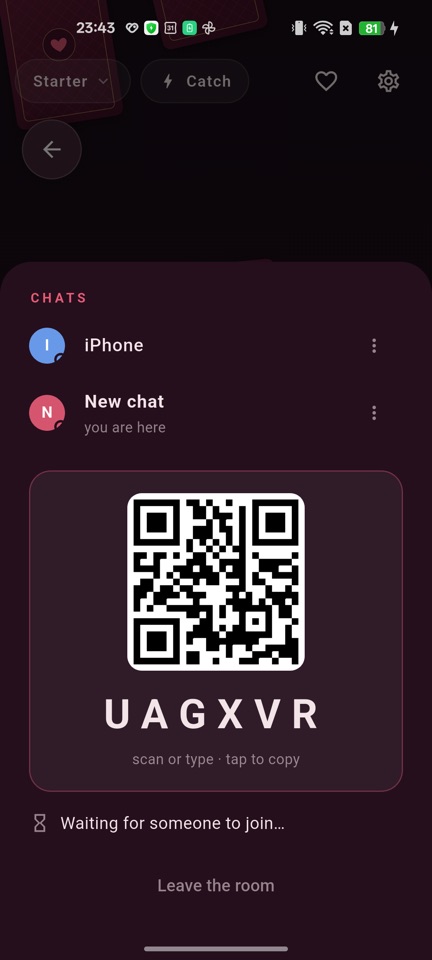
- On the first phone, open the chats list and create a chat.
- Share the QR invitation or eight-digit room code privately with your partner.
- On the other phone, open chats and enter the code or use Amodeck’s scanner.
- Choose a deck and draw cards. Use the in-app voice/video call and touch surface if you want.
Each room has two participant seats; it is not a public group game. Do not publish the code. A deck purchased by one person can be played together while that owner is present.
If connecting fails
Enter the code manually if your phone’s camera does not open the link. Check microphone/camera permissions for calls and try a different network if audio cannot connect. Calls can use a relay when a direct connection is unavailable, and restrictive networks may still prevent a call.
Use ⋮ → Break to remove the shared room for both people. That does not erase every server record; see data deletion. For playing in the same place, see one-phone play.
Real iPhone screenshots in English.
Check current availability in your country on the store page.